- ✓
- ✓
Competitor Landscape.
Your personal OS for
the agentic era.
The workspace for the way you actually work.
Notes, projects, code, research, and AI agents in one place — whether you're shipping a feature or planning a launch.
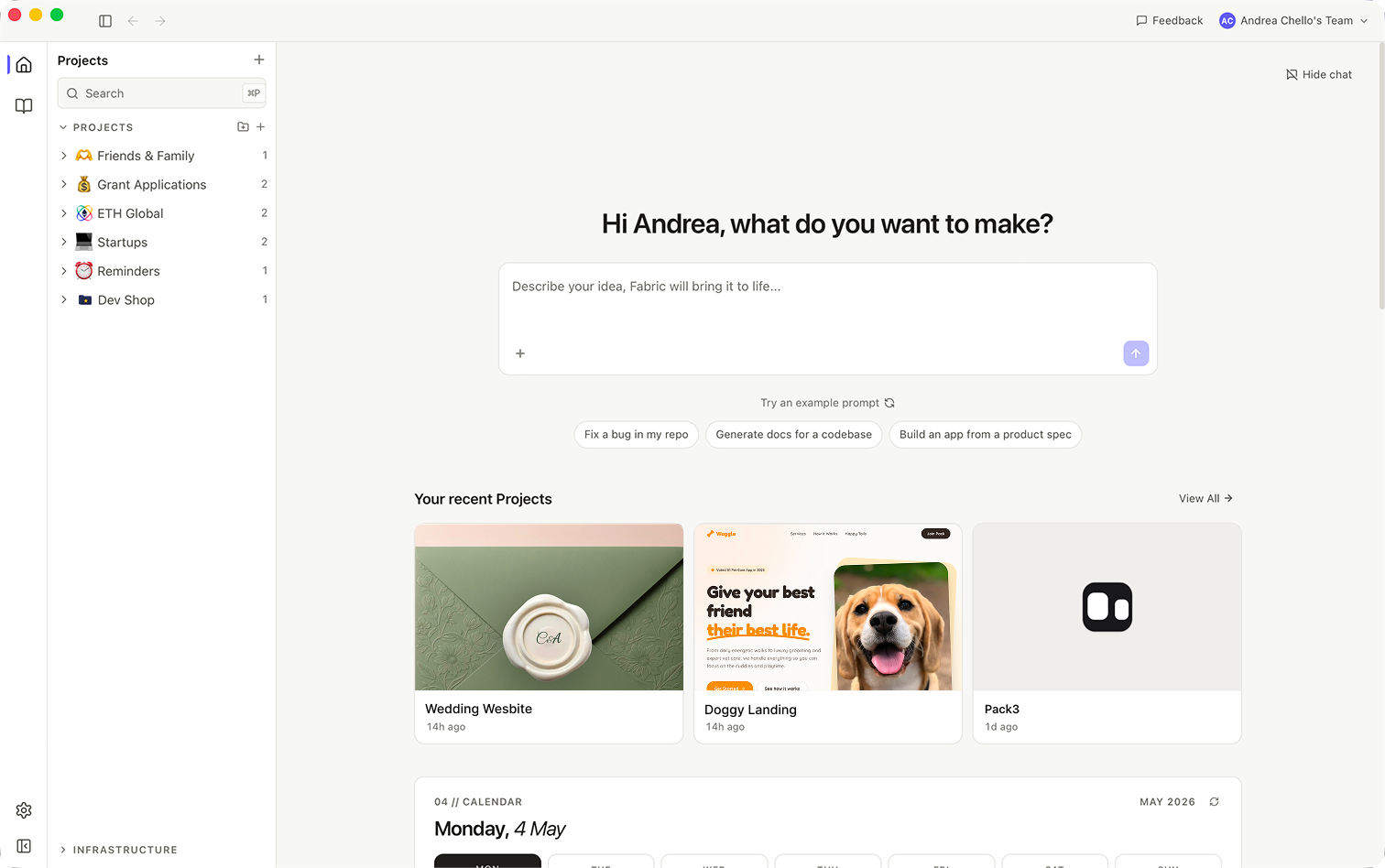
One window.
Every way you work.
Five surfaces, one memory. Build anything. Research deeply. Connect the dots — without ever switching apps.
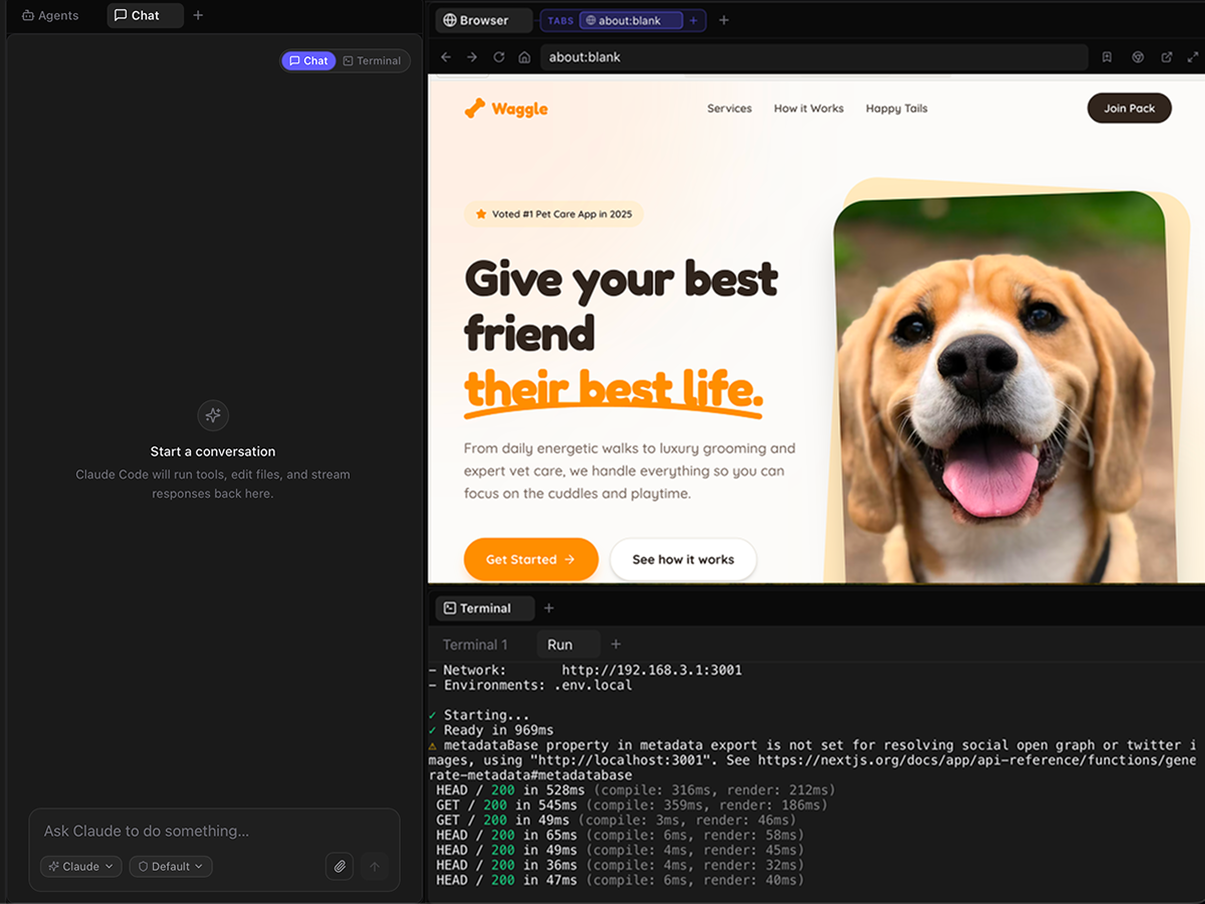
Switch context effortlessly.
Chat, agents, research, canvas, editor — one keystroke away, sharing the same project, the same files, the same memory.
No tab juggling. No copy-paste between apps. The work stays in one place; you just change the lens.
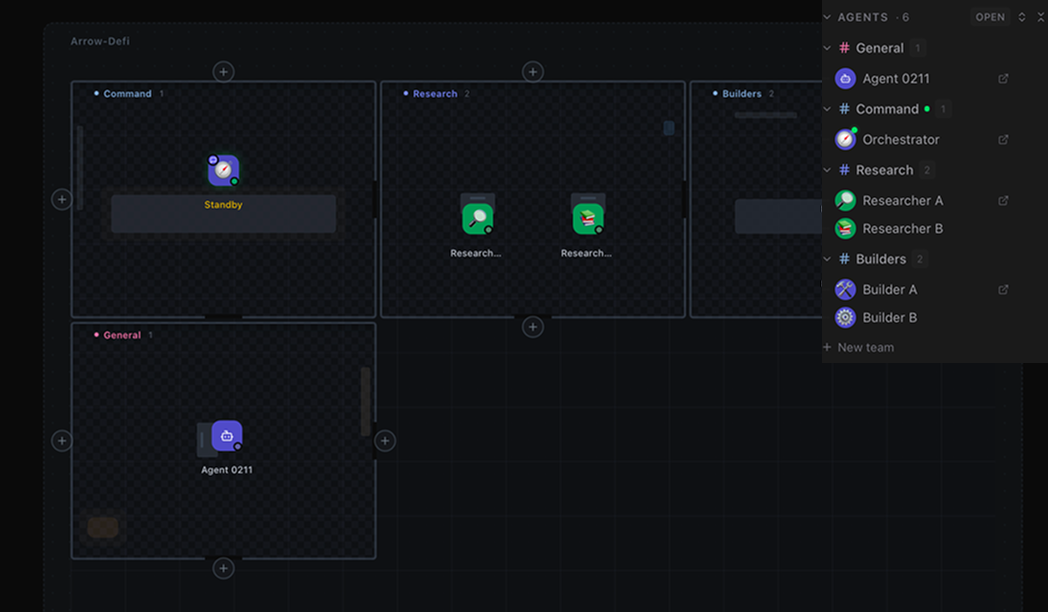
Work with a fleet of agents.
A whole team at your fingertips, each on a different task, all coordinated.
Move at the speed of an org, on your own.
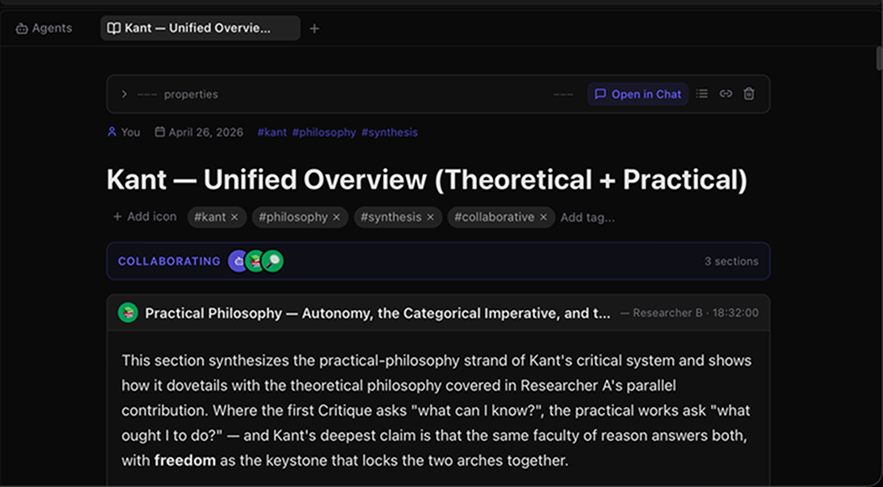
AI agents that research as a team.
Ask a question. Watch a fleet of agents fan out, gather, debate, and converge.
They write the answer back as a single document, edited together in real time.
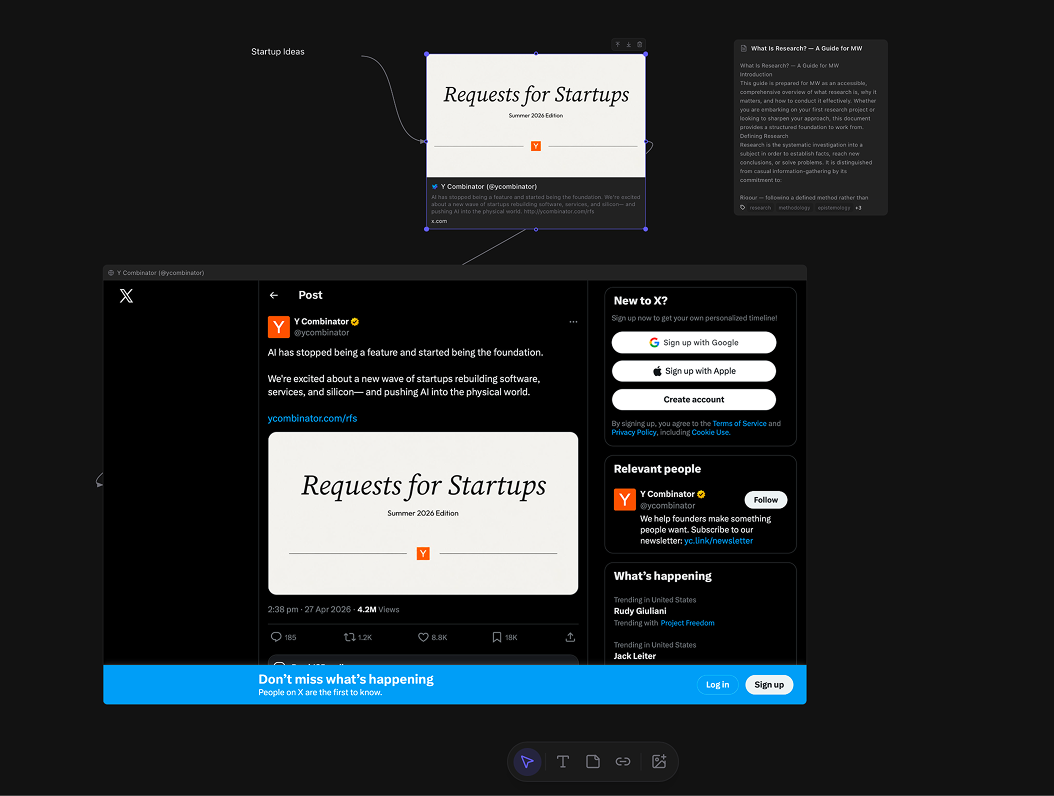
A canvas for engineering ideas.
A tweet, a paper, a screenshot, a thought.
Link them up, find the through-line, ship original thinking.
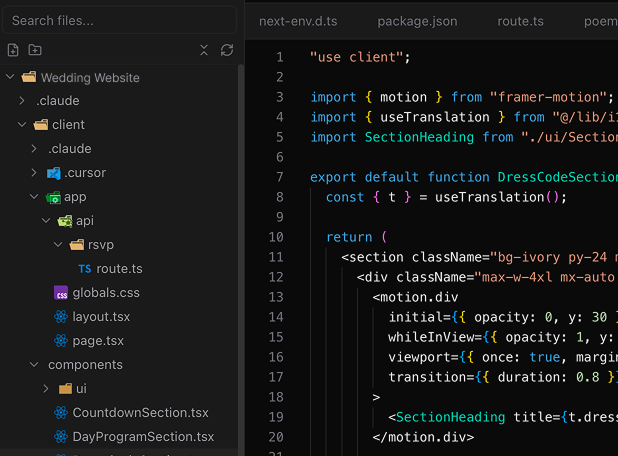
Drop into a real editor when you need to.
A first-class code editor sitting next to your agents, your terminal, your browser.
Refactor, explain, ship — without ever switching apps.
Native integrations,
not just links.
First-class tabs inside your workspace. Not bookmarks, not embeds — the real thing.
Local-first.
Yours, always.
Files stay on your machine.
Fabric is local-first. Your code, projects, and notes live on your disk — not someone else's server.
You approve every command.
Agents ask before they touch your filesystem, push commits, or call out to the network.
Bring your own keys.
Use your own Anthropic, OpenAI, or self-hosted model keys. We never see your prompts.
The honest answers.
Is my data really local?
Which AI models work with Fabric?
How is this different from Cursor, Notion, or ChatGPT?
When does Fabric leave public beta?
What about pricing after beta?
What platforms are supported?
Fabric for teams.
A shared workspace for your whole eng org. Same agents, same memory, same context — across every project, every PR, every cycle.
Up and running
in three steps.
Open a project.
Drop a folder. Fabric sets up the layout that fits.
Bring in an agent.
Give it a goal, the tools, and a room to work in.
Ship the work.
Review, deploy, publish. All from the same window.
However
you build.
Fabric fits your stack — solo devs, small teams, agencies shipping for clients.
Get Fabric
free.
Your first OS for the agentic era. Free during the public beta — macOS today, more soon.
Requires macOS 12 or later. Choose Apple Silicon for M1/M2/M3/M4 Macs, Intel for older models.
First time opening? Fabric is in public beta and not yet notarized by Apple, so macOS may say “Fabric.app is damaged”. After dragging Fabric to Applications, open Terminal and run:
xattr -cr /Applications/Fabric.app
Then launch Fabric normally. You only need to do this once.